
-
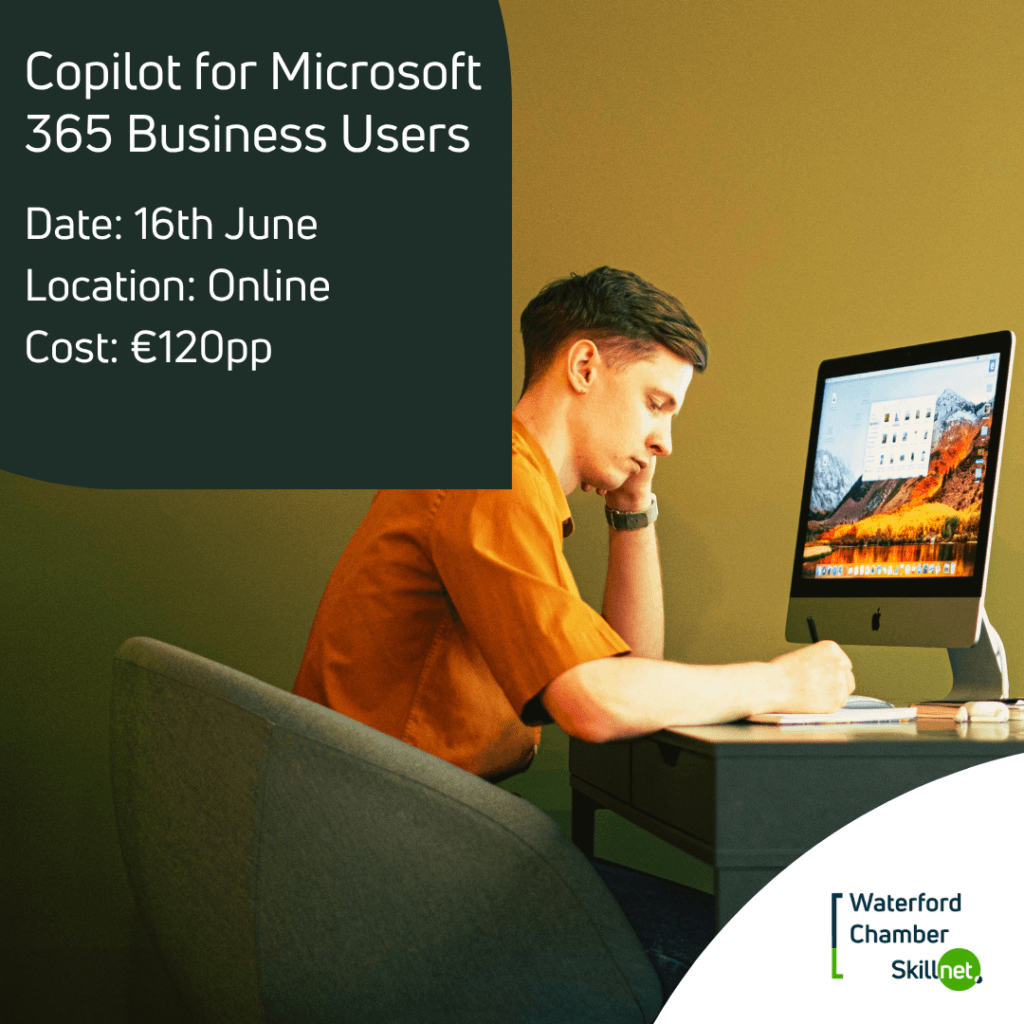
Copilot for Microsoft 365 Business Users 16 June
June 16, 2026
9:30 am - 5:00 pm
Copilot for Microsoft 365 Business Users
EVENT Overview
This 1 day interactive training programme will empower professionals to harness Microsoft 365 Copilot to streamline everyday work tasks, focusing on email management, document creation, meeting summaries, task prioritisation, and data handling. Participants will learn to integrate Copilot to save time, reduce errors, and boost overall productivity as well as build confidence in using Copilot responsibly and creatively, making it ideal for individuals and teams seeking to work smarter in today’s digital workplace.
Participants will also learn how to create file content, presentations, and reports based on information and recommendations, communicate in Teams and emails using key information, identify opportunities, perform forecasts and provide summaries using key information and trends.
Who is this training for:
Business professionals who wish to extend the possibilities of using Copilot to streamline routine business workflows and increase productivity.
- Morning Session – Unlocking Copilot – Your First Steps to Smarter More Productive Work
What is Generative AI
Key aspects of artificial intelligence
Development of Large Language Models
Natural Language Processing
Generative AI response formats
What is Microsoft 365 Copilot
How Copilot works
Personalise Copilot
Copilot chat – Work or Web
Create Responsible Generative AI Solutions
Responsible AI principles
Identify potential harms and ensure fair use
Create Effective Prompts
Structure clear and precise prompts
Breakdown complex tasks
Apply constraints and format preferences
Copilot for Communication and Time Management
Compose emails and replies, and summarise lengthy email threads
Manage and summarise calendar events, and manage follow-ups
Enhance collaboration in Teams chats and channel conversations
Generate Teams meeting agendas, minutes, notes, and action items
Transcribe Teams meetings using speech-to-text
Copilot for Writing, Editing, and Research
Draft new documents and reports in MS Word
Edit and proof content for tone and clarity
Summarise long documents and information retrieval
Research topics and translate content
Copilot for Data Handling & Analysis
Clean, organise, and interpret Excel spreadsheet data
Suggest new formulas, or explain complex calculations
Generate summaries and insights from spreadsheets
Generate charts, visualisation, and dashboards
Copilot for Data Presentation
Create a PowerPoint slide deck from a prompt
Create new slides and apply design suggestions
Rehearse delivery with Coach
Discussion and Question Time
- Afternoon session – Copilot Unleashed: Next Steps in Jump-Starting Your Productivity
Integrate Microsoft 365 Copilot with Microsoft Teams
Summarise key discussion points during Teams meetings
Suggest action items based on key discussion points
Clarify information in shared screen content
Export Copilot’s responses to Word or Excel
Empower Communication with Microsoft 365 Copilot Use Case
Summarise Outlook emails and Teams chats involving a specific topic
Generate a list of key points made by participants involved in Outlook emails and Teams chats involving a specific topic
Empower Sales with Microsoft 365 Copilot Use Case
Create a sales presentation in Word based on market trends for recent product launch
Create a sales proposal in PowerPoint by comparing different supplier tenders and provide recommended actions
Empower Marketing with Microsoft 365 Copilot Use Case
Provide sales forecasts in Excel and identify sales opportunities by analysing market trends for a recent product launch
Visualise market reports and dashboards in Excel for a recent product launch
Collect customer satisfaction results in Forms for a recent product launch
Empower HR with Microsoft 365 Copilot Use Case
Create a job description in Word based on a role responsibility description
Analyse resumes for a role and create a Word report comparing candidates and make recommendations
Compose an email offer letter in Outlook to a successful candidate
Collect employee experience results in Forms for a recently adopted HR procedure
Explore Evolving Improvements and Innovations
Use the Researcher agent to tackle multi step research
Use the Analyst agent to carry out advanced data analysis
Discussion and Question Time
Who is eligible to apply for this training programme?
Private sector or commercial semi-state enterprises only.
Unfortunately the following organisations are not eligible:
- Public sector organisations,
- Charity or Not-for-Profit Organisations, and
- Companies based outside the Republic of Ireland